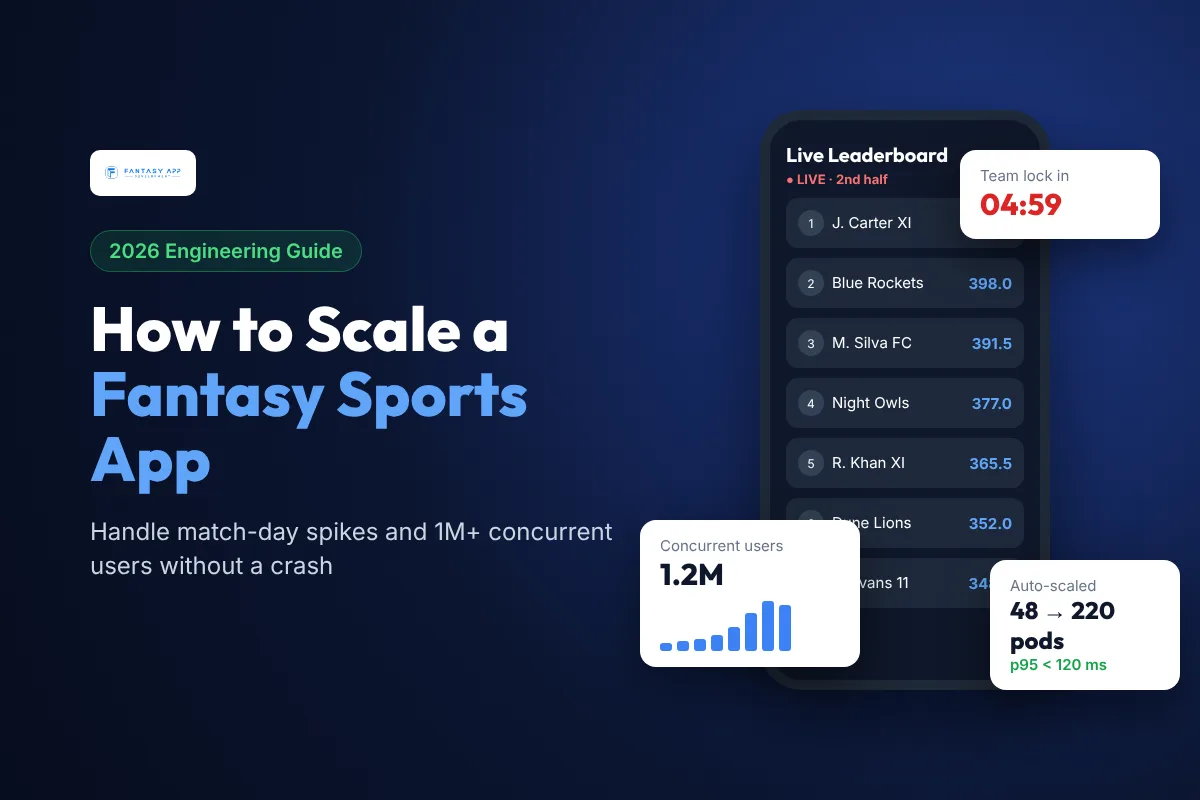
Quick answer: How do you scale a fantasy sports app for match-day traffic? Plan for the spike, not the average. Most fantasy apps see 10x to 50x their normal load in the 15 to 30 minutes before a team lock, so you should pre-scale servers on a schedule before every big kickoff, put a cache (usually Redis) in front of every read-heavy screen, split the platform into independent services (contests, team builder, scoring, wallet, notifications), move slow work into queues, push live scores over WebSockets instead of polling, and load test at 2x to 3x your expected peak before the season starts. Done well, a platform can serve 1 million or more concurrent users on match day, while a well-tuned launch stack for your first 50,000 users can cost under $2,000 a month.
Key takeaways
- Fantasy traffic is a "hockey stick": it jumps in the last minutes before a deadline, so reactive autoscaling alone is too slow. Scale up on a schedule tied to the fixture list.
- Dream11 reported more than 5.3 million concurrent users during IPL 2020, and later coverage puts its IPL peaks at 15 million or more. The same patterns work at 100,000 users.
- The four hot spots are login, contest joining, team saves at lock time, and live leaderboards. Design each one separately.
- Use Redis sorted sets for leaderboards, a queue (Kafka, SQS or RabbitMQ) for scoring and wallet events, and WebSockets or server-sent events for live scores.
- Keep the wallet and payments isolated, so a scoring delay never stops users from depositing or withdrawing.
- Rough monthly cloud cost: $500 to $2,000 for 10,000 concurrent users, $5,000 to $15,000 for 100,000, and $30,000 to $90,000+ in peak months for 1 million.
Last updated: November 7, 2026. Cost figures are rough estimates for AWS, Google Cloud or Azure in USD. Your bill depends on architecture, region, data provider and how often you run peak events.
Why is match-day traffic so hard for fantasy sports apps?
Most apps get traffic spread across the day. Fantasy sports apps do not. Users wait for team news, then everyone opens the app at the same moment to pick players and join contests before the deadline. The pattern repeats around the world: Saturday 3 PM kickoffs for Fantasy Premier League style games, NFL Sunday afternoons in the US, IPL evening matches in cricket markets, and State of Origin nights in Australia.
Four things make this harder than ordinary scaling:
- Hard deadlines: a team lock at kickoff cannot be delayed. If the app is slow for five minutes before the lock, users lose their entries and you lose revenue and trust.
- Write-heavy bursts: users are not just reading. They save teams, swap captains and join contests, which are writes that touch the database and often the wallet.
- Live fan-out: once the match starts, every point scored must update thousands of contests and millions of leaderboards within seconds.
- Money is involved: in paid-contest markets, contest joins and payouts must be exact. You cannot "eventually" refund the wrong user.
What does a scalable fantasy sports architecture look like?
A scalable fantasy app is a set of small services behind an API gateway and a CDN, each sized for its own peak. Here is the layout we recommend for apps that plan to grow past 100,000 users. For a full list of languages, frameworks and data providers, see our fantasy sports app tech stack guide.
| Layer | Job on match day | Common choices |
|---|---|---|
| CDN and edge | Serve images, app config, player lists and static match data without hitting servers | CloudFront, Cloudflare, Fastly |
| API gateway and load balancer | Route traffic, rate-limit abusive clients, terminate TLS | AWS ALB/API Gateway, NGINX, Kong |
| Stateless app services | Login, contests, team builder, wallet, profile, each scaled on its own | Node.js, Go, Java/Kotlin on Kubernetes or ECS |
| Cache | Hold contest lists, player stats, lock status and leaderboards in memory | Redis, Redis Cluster, Aerospike |
| Message queue / stream | Absorb bursts of team saves, scoring events and notifications | Kafka, Amazon SQS/SNS, RabbitMQ |
| Primary database | Users, teams, contests, transactions (source of truth) | PostgreSQL or MySQL (Aurora), MongoDB, Cassandra for very high write volume |
| Real-time layer | Push live scores and rank changes to phones | WebSockets, Socket.IO, server-sent events, Firebase |
| Observability | See problems before users do | Prometheus + Grafana, Datadog, New Relic, OpenTelemetry |
How do you prepare servers before a big match?
Reactive autoscaling (adding servers when CPU goes up) usually takes 2 to 5 minutes to bring new capacity online. In a fantasy app, the spike can arrive in under a minute. That is why large platforms use scheduled, fixture-based scaling. Dream11, for example, has described building its own in-house scaling platform that pre-provisions capacity ahead of IPL matches, rather than relying only on default autoscaling.
A simple version you can build in week one:
- Read the fixture list from your sports data feed every day.
- Estimate the peak for each match from past data (for example, last season's peak for the same teams plus your growth rate).
- Scale up 45 to 60 minutes before each lock with scheduled scaling actions (Kubernetes HPA minimum replicas, ECS scheduled scaling or EC2 Auto Scaling scheduled actions).
- Warm the caches with player lists, contest lists and lock times before users arrive.
- Keep reactive autoscaling on top as a safety net for surprises such as a star player injury announcement.
- Scale down after the match once live scoring traffic settles, so you only pay for peak capacity when you need it.
Remember to scale the database connection pool and the cache cluster too, not just the app servers. Many outages happen because 50 new app servers each open 100 database connections and the database runs out.
How do you handle the rush at team lock?
The last 10 minutes before a deadline is the most dangerous window. These techniques keep it calm:
- Pre-compute lock status. Store each match's lock time in Redis and check it there. Never call the sports data API during the rush.
- Accept writes fast, process them later. When a user saves a team, validate it, write it to a queue, return "saved" and let workers persist it. The user sees a fast response and the database gets a smooth flow.
- Make every write idempotent. Phones retry when the network is weak. Use an idempotency key so the same team save or contest join is never counted twice.
- Use optimistic locking for contest seats. For a 100-seat contest, decrement a counter in Redis atomically, then confirm in the database. This avoids overfilled contests without locking whole tables.
- Auto-create new contests. When a popular contest fills, spin up an identical one so users are not blocked.
- Add a waiting room only as a last resort. A short virtual queue is better than a crash, but it hurts the experience, so aim to never need it.
How do live scores and leaderboards scale to millions of users?
Live scoring is a fan-out problem: one event (a goal, a wicket, a touchdown) changes points for every team that picked that player, and every contest those teams are in.
- Ingest: the data feed sends a play-by-play event. A scoring service turns it into a "player points changed" event on Kafka or SQS.
- Score per player, not per team: calculate each player's new points once. A team's score is just the sum of its players, so you never recalculate millions of teams from scratch.
- Rank with Redis sorted sets:
ZINCRBYupdates a team's score andZREVRANKgives its rank in O(log n), even for contests with a million entries. - Batch the updates: push leaderboard changes every 5 to 15 seconds rather than on every point. Users do not notice the delay, and your servers do 10x less work.
- Push, do not poll: send updates over WebSockets or server-sent events. One million phones polling every 5 seconds means 200,000 requests a second for nothing.
- Write the final result once: after the match, freeze the leaderboard, write final ranks to the database and run payouts from that snapshot.
If you build for several sports, the scoring rules change but this pipeline does not. Our guides to building an FPL-style football app and a fantasy cricket app like Dream11 show how the scoring rules differ by sport.
How much does it cost to run a fantasy app at scale?
Cloud cost depends on peak concurrency far more than on total registered users, because you pay for the capacity you hold during the spike. These rough monthly ranges assume a well-designed, cache-first architecture on a major cloud, in USD:
| Peak concurrent users | Typical setup | Rough monthly cloud cost |
|---|---|---|
| Up to 10,000 | 2 to 4 app servers, managed PostgreSQL, single Redis node, CDN | $500 to $2,000 |
| 10,000 to 100,000 | Kubernetes or ECS with scheduled scaling, read replicas, Redis cluster, managed queue | $5,000 to $15,000 |
| 100,000 to 1 million | Microservices per domain, sharded or distributed database, Kafka, dedicated real-time tier, multi-AZ | $30,000 to $90,000+ in peak months |
| 1 million+ | Multi-region, custom scaling platform, in-memory data stores, 24/7 SRE team | $100,000+ per month plus engineering staff |
Two costs people often forget: sports data feeds (from about $1,000 to $10,000+ a month depending on sports and latency) and observability tools (often 5% to 10% of the cloud bill). For the full build budget, see our guide to fantasy football app development cost.
How do you load test a fantasy sports app before the season?
Test the match-day pattern, not a flat load. A good load test script:
- Ramps from normal traffic to peak in 10 to 15 minutes, the way real users arrive before a lock.
- Mixes real user journeys: login, browse contests, build a team, join a contest, add money, then watch the live leaderboard.
- Targets 2x to 3x your expected peak, so a viral match or a sudden marketing push does not break you.
- Runs against production-like data, with millions of rows in the teams and transactions tables, not an empty database.
- Includes failure drills: kill a cache node or a database replica mid-test and check that the app recovers.
Popular tools include k6, Gatling, Locust and JMeter. Run a full test before every season and a smaller one before each major release.
Which scaling mistakes cause match-day outages?
| Mistake | What happens on match day | Fix |
|---|---|---|
| One big monolith with one database | A slow leaderboard query blocks logins and payments | Split services by domain; give the wallet its own database |
| Relying only on reactive autoscaling | New servers arrive after the deadline has passed | Scheduled scaling from the fixture list |
| No cache on contest and player lists | The database melts under identical read requests | Cache in Redis and CDN with short TTLs |
| Polling for live scores | Hundreds of thousands of useless requests per second | WebSockets or server-sent events with batched updates |
| Non-idempotent contest joins | Double charges and overfilled contests when phones retry | Idempotency keys and atomic seat counters |
| Calling the data provider on every request | Rate limits hit, stale or missing scores | One ingest service that fans out internally |
| No load test at peak | You discover limits live, in front of users | Pre-season tests at 2x to 3x expected peak |
Should a new fantasy app build for 1 million users from day one?
No. Over-engineering costs money and slows your launch. Start with a modular monolith or a few services, managed cloud databases, Redis and a CDN. Design the boundaries (contests, scoring, wallet) so they can be split out later, and add scheduled scaling and a queue before your first big event. Move to full microservices, sharding and multi-region only when your data shows you are getting close to the limits. This is the same path most successful platforms took.
If you are still choosing a business model, read season-long vs daily fantasy sports apps, because daily contests create much sharper spikes than season-long leagues. A white-label fantasy sports platform can also give you tested, scalable infrastructure from day one.
Final word
Scaling a fantasy sports app is mostly about respecting the deadline. Pre-scale before every lock, cache everything users read, queue everything they write, push live scores instead of letting phones poll, keep money isolated, and load test the real match-day curve. Follow these steps and your app can grow from its first 10,000 users to millions without a match-day crash.
Fantasy App Development has built fantasy platforms for 400+ clients worldwide, for football, cricket, basketball, hockey and more. If you want a scalable fantasy app or need to fix match-day performance on an existing one, talk to our team for a free architecture review.